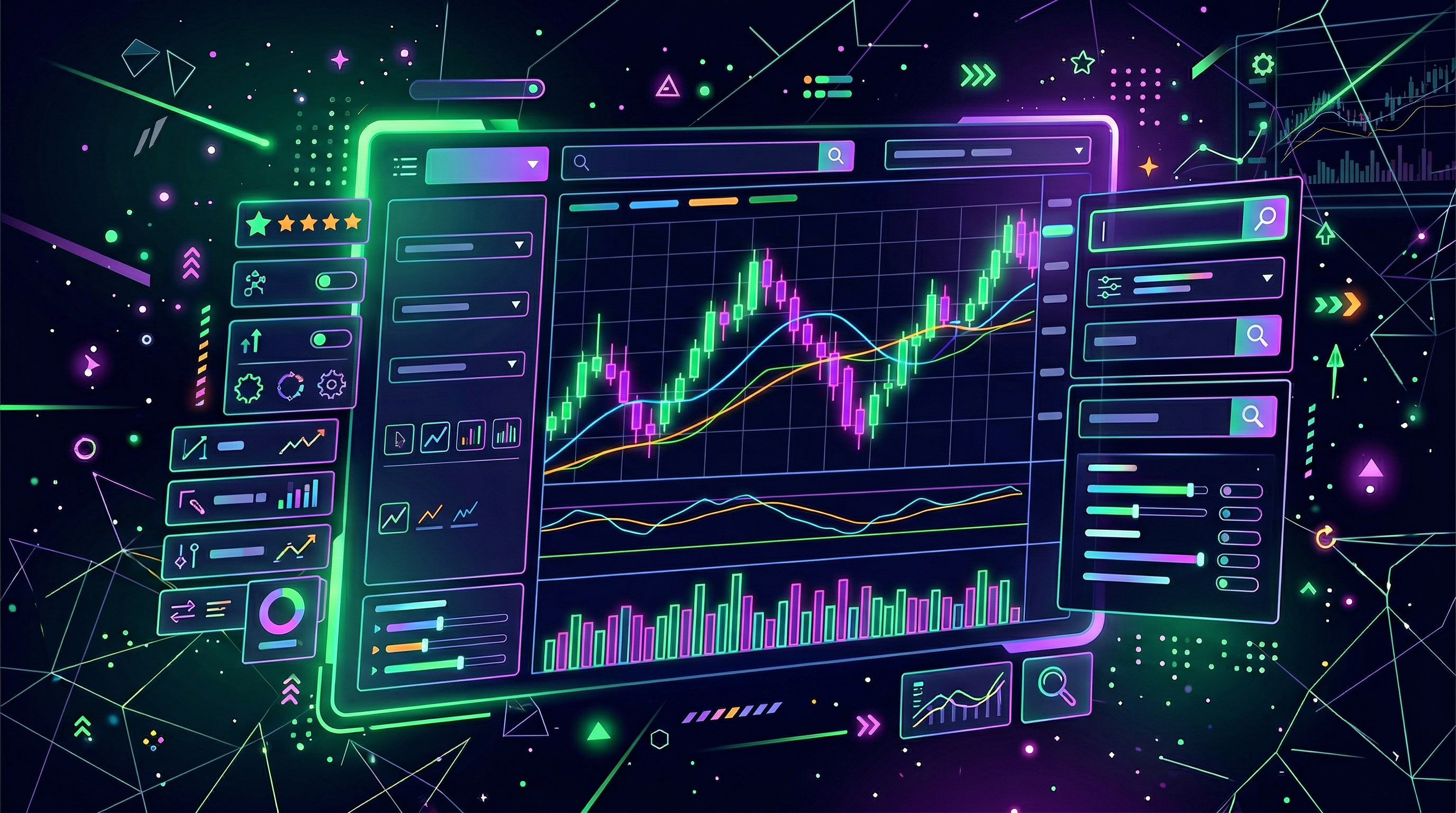
I used to think “finding stocks” meant scrolling Twitter, seeing someone post a chart with 14 lines on it, and pretending I knew what was happening. Then I discovered stock screeners and realized: oh… this is what adults meant by “do your research.”
A stock screener is basically a filter system. You tell it what you want (liquid stocks, certain price range, a sector, a valuation ratio), and it gives you a list. That’s it. No vibes. No “trust me bro.” Just inputs → outputs.
And in 2026, screeners matter more than ever. Markets can flip fast, and index moves aren’t always driven by the whole market. Market breadth tools like the advance/decline line exist because sometimes the index is green while most stocks are quietly getting cooked (or vice versa). Fidelity describes the A/D line as the “cumulative total of the number of stocks advancing less the number of declining stocks,” and notes that divergences between an index and the A/D line can hint at weakening trends or reversals. (If you want to nerd out, that’s the rabbit hole.)
Today I’m going to show you the beginner workflow I wish someone handed me on day one:
- What a stock screener is (and what it’s not)
- Free screeners that don’t suck (Finviz, TradingView, Yahoo Finance)
- The only filters you need at first (market cap, volume, price, sector, P/E)
- How to set up a basic scan you can copy
- “Advanced” filters (RSI, MACD, VWAP) without turning into a quant
- How to build a watchlist and a plan from your results
- How I integrate screening + journaling + paper trading with Traderise
1) What is a stock screener (and what it’s not)?
Investopedia’s definition is clean: a stock screener is an investing tool that helps you filter and find stocks based on specific criteria. (Investopedia)
In normal human terms: it’s a search bar for the stock market.
What a screener is
- A discovery tool: it narrows thousands of tickers down to 10–50 “maybe” names.
- A consistency tool: you can run the same scan daily/weekly and stop changing your strategy every time you feel emotional.
- A risk filter: it helps you avoid illiquid names where you can’t get in/out cleanly.
What a screener is not
- Not a buy signal. It gives candidates, not convictions.
- Not a replacement for a chart. You still need to check the actual setup, levels, and trend.
- Not “free money”. A screener can find great-looking stocks… that still dump because the market is in a mood.
Screeners are for finding ideas. Your chart + your risk plan decide the trade. If you skip the risk plan, you’re basically just speedrunning pain.
2) Free stock screeners I actually recommend (Finviz, TradingView, Yahoo Finance)
You can pay for premium screeners later. In the beginning, the goal is reps: run scans, build watchlists, track outcomes.
- Finviz: fast, simple, and perfect for “give me a list now.” Great for fundamental + descriptive filters. (I use it when I want broad idea generation.)
- TradingView: best all-in-one “screen + chart” flow. Especially useful if you like technical filters and then want to instantly open charts.
- Yahoo Finance: underrated for beginners because it feels like a research hub. If you’re still learning fundamentals, it’s a friendly place to start.
My personal take: if you’re more of a “chart first” person, use TradingView. If you’re more “show me a clean list” use Finviz. If you’re still learning what P/E even is, Yahoo Finance is chill.
3) The key filters beginners should start with (the “don’t get wrecked” set)
Beginner traders mess up the same way: they pick a stock that’s too small, too illiquid, too random… and then blame themselves when it moves weird.
So the first job of your screener is to give you names that trade like normal stocks.
Filter 1: Price (keep it simple)
I like to start with something like $5 to $200. Why?
- Below $5 gets “penny-ish” fast (bigger spreads, more manipulation vibes).
- Above $200 can be fine, but for beginners it often messes with position sizing (you end up buying 1 share and feeling like you did something).
Filter 2: Average volume (this is non-negotiable)
Volume is basically “can I get in and out without donating money to the spread?” If your stock trades like 80k shares a day, your stops might not even fill where you think.
For beginners, I recommend at least 500k average daily volume, and ideally 1M+ if you’re trying to day trade.
Filter 3: Market cap (pick your chaos level)
Market cap is like the “size class” of a company.
- Large caps = generally less wild.
- Mid caps = good mix of movement + liquidity.
- Small caps = can move fast, can also ruin your day fast.
Beginner-friendly default: Mid + Large (or market cap above $2B).
Filter 4: Sector (so you’re not mixing apples and oil rigs)
Sector filtering is underrated. If you’re watching tech momentum, don’t clutter your results with utilities. If energy is moving because oil spiked, you’ll want to see energy names together.
Filter 5: P/E (optional, but helpful)
P/E is one of those ratios people treat like a magic spell. It’s not. But it can keep you out of extremes.
- For value-ish screens: try P/E between 5 and 30.
- For growth screens: you might skip P/E entirely (growth companies can look “expensive” on P/E for a long time).
4) My basic beginner scan (copy/paste this workflow)
Here’s the scan I give friends who want to trade but don’t want to spend 4 hours finding “the perfect stock.”
- Universe: US stocks
- Price: $5–$200
- Average volume: 1M+
- Market cap: $2B+
- Sector: Any (or pick one sector you’re focused on this month)
- Optional fundamental sanity: positive EPS (or P/E between 5 and 50)
Run that scan and you’ll usually get a list that feels… tradeable. Like, these are names people actually trade.
Then I do the “3-pass method”:
- Pass 1 (10 seconds each): open the chart. Is it in a clear trend or just chop?
- Pass 2 (30 seconds each): mark levels (recent highs/lows, support/resistance).
- Pass 3 (2 minutes for finalists): write a one-sentence plan: “If X happens, I do Y. If it fails, I’m out at Z.”
Want a cleaner way to turn screener results into a real plan?
I like running the scan, then dropping my top 10 into Traderise to paper trade the setup first and keep everything (watchlist + notes + outcomes) in one place.
Try Traderise Free →5) Advanced filters (RSI, MACD, VWAP) without overcomplicating it
“Advanced” doesn’t mean “better.” It just means more specific.
RSI: the mood ring filter
RSI (Relative Strength Index) is often used to spot overbought/oversold conditions. Investopedia notes RSI as a momentum oscillator that gauges the speed and change of price movements. (Investopedia)
- Mean-reversion vibe: RSI below ~30 can flag oversold candidates (not an automatic buy, just a flag).
- Momentum vibe: RSI above ~60 can show strength in an uptrend.
MACD: momentum shift filter
MACD is a trend-following momentum indicator with a MACD line and a signal line, commonly used to spot changes in momentum and potential trend reversals. (Investopedia)
For screening, I keep it basic: I’m looking for “momentum turning up” names so I can check if there’s an actual breakout setup on the chart.
VWAP: the “am I late?” reality check
VWAP (Volume Weighted Average Price) is one of those indicators that traders love because it ties price to volume. For screening, you can use it in a simple way:
- Price above VWAP can indicate intraday strength.
- Price below VWAP can indicate weakness (or a pullback entry if you’re trading that style).
If you’re day trading, VWAP filters can help you avoid chasing the top of a move. If you’re swing trading, it’s less important than trend + levels.
6) Turning screener results into a watchlist (the part that actually makes money)
Here’s the brutal truth: the screener is not the edge. The edge is what you do next.
Step A: Shortlist to 10–20 names
More than 20 and you’re not “diversified,” you’re just overwhelmed.
Step B: Sort by “story” + “setup”
- Story = why is it moving? (earnings, sector trend, news, macro, etc.)
- Setup = what does the chart look like? (breakout, pullback, range, trend continuation)
Step C: Put each ticker in one of three buckets
- Trade now: a setup is basically there.
- Watch: needs one more day / needs to reclaim a level.
- Pass: looks cool, but it’s not clean.
This is also where your personal risk style shows up. If you hate drawdowns, you’ll prefer breakout confirmation. If you’re more patient, you’ll prefer pullbacks to support.
7) My 2026 workflow: screener → watchlist → paper trade → real trade (with Traderise)
I’m going to say something spicy: most beginners don’t need “more indicators.” They need process.
Here’s my simple loop:
- Run the screener (Finviz/TradingView/Yahoo Finance).
- Pick 10 tickers and build a watchlist.
- Write a plan (entry trigger, stop, target, invalidation).
- Paper trade first if it’s a new setup type. (Your ego might hate this step. Your account will love it.)
- Review outcomes and adjust your filters next week.
This is why I recommend using Traderise alongside your screener: it’s a clean place to practice the trade before going live, track your decisions, and build a repeatable routine instead of random one-off bets.
Also, a sneaky benefit: once you start saving your scans and reviewing your “hits,” you’ll learn what filters actually match your personality. Some people thrive on high-volume breakouts. Some do better with boring large caps and clean pullbacks. There’s no moral superiority here. Just what works.
8) Common stock screener mistakes (that I made so you don’t have to)
- Using 12 filters and getting 0 results: you don’t need a “perfect” scan. You need a useful list.
- Ignoring liquidity: volume first. Always.
- Forgetting the market context: your stock can be amazing and still get dragged by the index. Breadth tools like the A/D line can help you understand if moves are broad or just a few names carrying the tape. (Fidelity)
- Never saving your scan: the real power is running the same scan consistently and learning what it produces.
- No plan after the scan: a watchlist without a plan is just a prettier version of doomscrolling.
Ready to practice your screener picks without paying tuition to the market?
Build your watchlist, paper trade the exact setup, and keep notes on what worked — all in Traderise.
Start Trading on Traderise →Quick-start checklist (save this)
- Pick one free screener (Finviz, TradingView, or Yahoo Finance).
- Start with 4 filters: price, volume, market cap, sector.
- Run the scan and shortlist to 10–20 names.
- Open charts and mark levels.
- Write a one-sentence plan for each finalist.
- Paper trade new setups on Traderise before you size up.
One last thing: the best screener is the one you’ll use consistently. If you only run scans when you’re bored, you’ll trade when you’re bored. If you run scans on a schedule, you’ll trade like someone who respects their own money.
Sources: Investopedia on stock screeners and indicators (Investopedia), Fidelity on the advance/decline line and divergences (Fidelity).